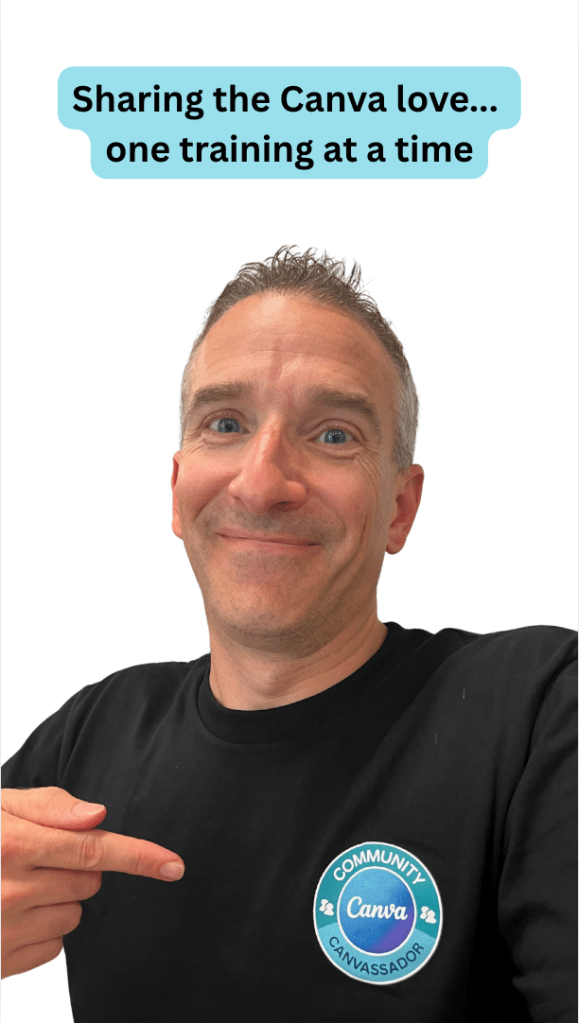
Earlier this week, I had to opportunity to deliver a one day in person training on “Unlocking the Potential with Canva Education” to educators and professionals from New Hampshire and Massachusetts. I put my Canvassador shirt on and shared my Canva love to others…and I had a great time.
As with many folks over the past 5 years, many of the trainings that I have delivered or participated in have been virtual. Even my graduate level courses that I teach or co-teach have all moved to a hybrid online model. This week has reminded me how fun it is to do things in person. It allows you to build a connection with others and get to know one another – even though it might only be for six hours. It easily allows participants to talk with one another and to give ideas or suggestions without having to be wait to be called on. Participants are able to experience the energy from on another. It also allows for differentiation and an opportunity for folks to be able to work on their own projects/ideas while still being able to ask questions as I walk around.
Sure, it is so much easier to click a button for a webinar or training and tell yourself, I can put it on and play it in the background while I do (fill in the blank). Or sure, I will sign up for the webinar or training and if I don’t go to it, I’ll just get the recording to watch on my own time, if ever. But…I was reminded of how fun it really is to do trainings together in one space. The energy in the room and the laughter in the room can’t be matched.
Quick Overview of the Day
The day was all about Canva Education. A Sandbox Canva presentation was shared out to the participants so that they could explore around with the features that I was modeling on each of the slides. We talked about
- things you should consider when designing your own content
- how to get inspired from designs from others
- how to use templates from others
- how to share out one’s own files
- Canva’s AI capabilities
- how one can demonstrate knowledge with the record feature both video and audio (thrilled to see the enhanced feature of voice recorder)
- how to deal with organization of files
- how to work with bulk create (like a mail merge)
- and on and on…
There was also an opportunity for participants to work through a design/task/project of their own during open lab time where I would walk around and help assist with questions.
A nice added touch was the fact that Canva Education provided some swag for participants (pens and stickers) and well as paid for the food for lunch. Thankful for their willingness to support the event. I created a canva video highlighting the day for anyone interested.
I look forward to the next in person opportunity….
And that is my #Spiel
 Craig M Sheil