For the past two years, tech 222 and counseling have worked together to help educate BHS students about social media use and their digital tattoo. One year, we put on a Social Media Awareness day. The second year, we celebrated social media over a course of a week.
This year, with input from administration and others, we decided to bring the conversation of social media throughout the school year. Each month, we will focus on a particular concept/aspect of social media. Our plan is to also come up with four different activities for students to participate in based on their grade level. We then hope that each advisory participates in the activity during one of the advisory days in that month.
To kick things off, we decided to focus on the positive aspects of social media. For the Freshmen class, they sat through a 30 minute presentation on “Social Media and Your Digital Tattoo” presentation. We focused on the goods, the bads and the cautions of social media. Students were able to see how the freshmen class answered certain questions about social media in the presentation. To view the Prezi presentation, click HERE or view below.
https://prezi.com/embed/pwjal6tke5db/?bgcolor=ffffff&lock_to_path=0&autoplay=0&autohide_ctrls=0&landing_data=bHVZZmNaNDBIWnNjdEVENDRhZDFNZGNIUE43MHdLNWpsdFJLb2ZHanI0c3R4ZnpYZ2VzUTFWMGtFc1lpNk9reFZ3PT0&landing_sign=Hnus9wjuNwPWe3fhnnOHwXYzn66E8IKQKqsR9UBqzJM
For the rest of the school population, we created these positive digital citizen activities. The idea is for different grade levels to do different activities so that we do not have to re-create the wheel next year – just tweak things.
Topics
The following are the topics we plan on talking about for the rest of the school year:
October – Positive Digital Citizen
November – Be Present & Social Media Addition
December – Cyberbullying
January – Mental Health
February – Online Safety
March – Distracted Driving/Distracted Walking
Looking for Resources
Where do you come in? We are looking for suggestions on activities, videos, case studies, conversations etc that we might want to implement throughout the year. We are looking for activities that will connect with and engage high school students. Have any ideas or thoughts…help us out and share in this google form. Looking for ideas beyond just printing a worksheet and having students fill out
Interested in seeing what people are sharing? Click HERE.
Thanks in advance for any ideas/suggestions. At the end of the year, we will share what we have come up with through collaboration from others. Lets help educate our students in an engaging way!


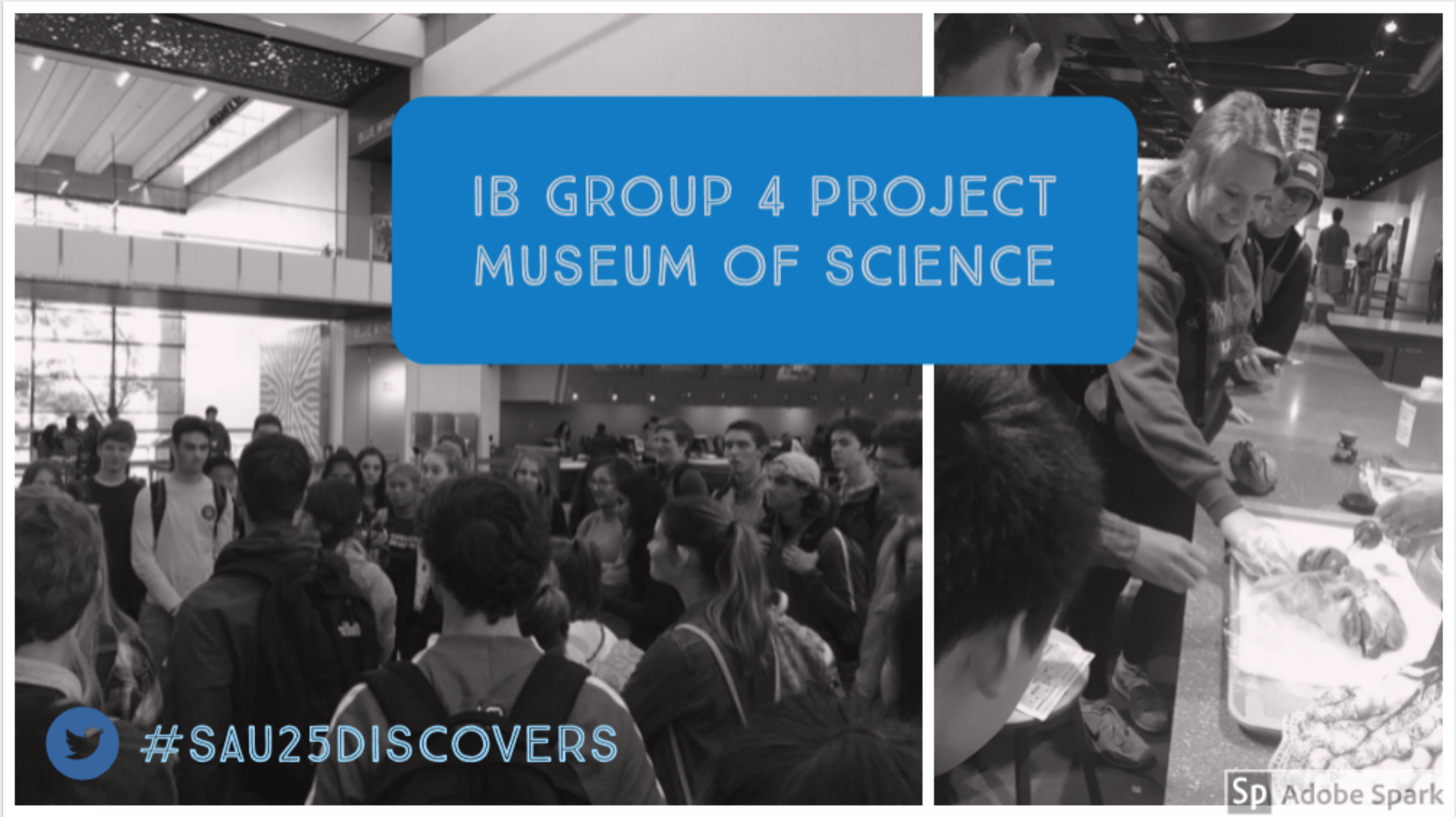 Two weeks ago, I had the pleasure of chaperoning a science field trip to the Boston Museum of Science. What I am most impressed about from this field trip is that students and teachers are not ‘just taking a field trip’. The science teachers have thoughtfully thought through learning objectives and activities for the students to participate in while at the museum. It was great to see true collaboration in action as well as thoughtful integration of technology at the same time. Very proud moment for bulldogs for sure.

 Craig M Sheil