
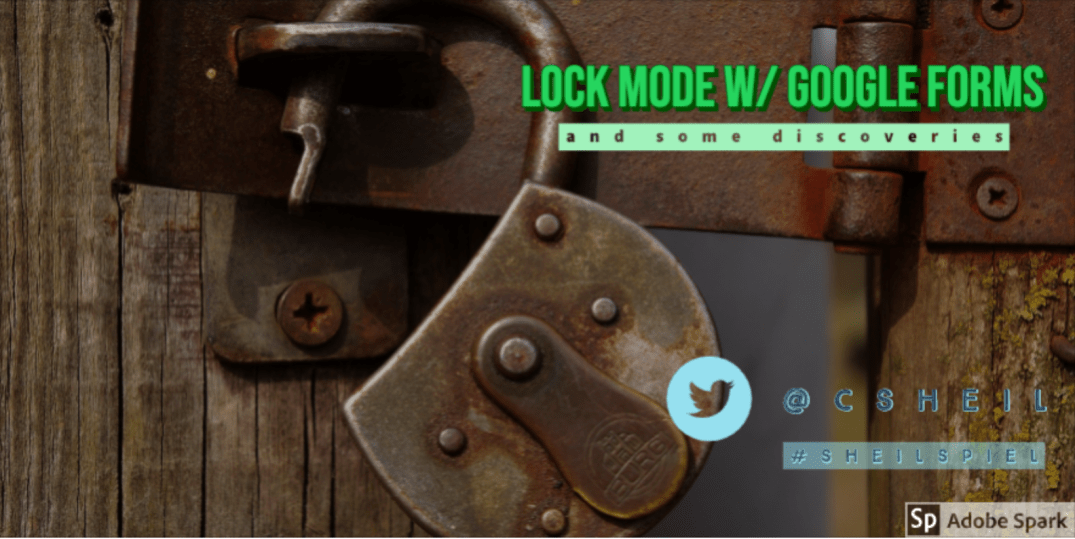
Our tech director applied for our entire Google domain to participate in beta version of lock mode with Google Forms. In August, we had shared the announcement with staff that Google was moving into giving staff the ability for students to take an assessment via Google Forms in a locked mode. Teachers were thrilled to hear this. I know there is an argument out there that if students can just ask Google for the answer than, should it be assessed? Sometimes, it does make sense to have students take a formative and/or summative assessment – but as with anything else should not be the only means of how students are assessed.
Continue reading “Lock Mode with Google Form Quizzes and Some Discoveries”

 For our final day of 10 Days of Google, we are going ‘back to basics’ with Google Docs. We are at a point now where not a day that goes by that we don’t open up a Google Document. Well, here are three tips that can help enhance the look of your documents.
 Today for Day 8 of Google, we will explore Google Forms. Over the summer, I was introduced to a Google Form add-on called
  Craig M Sheil