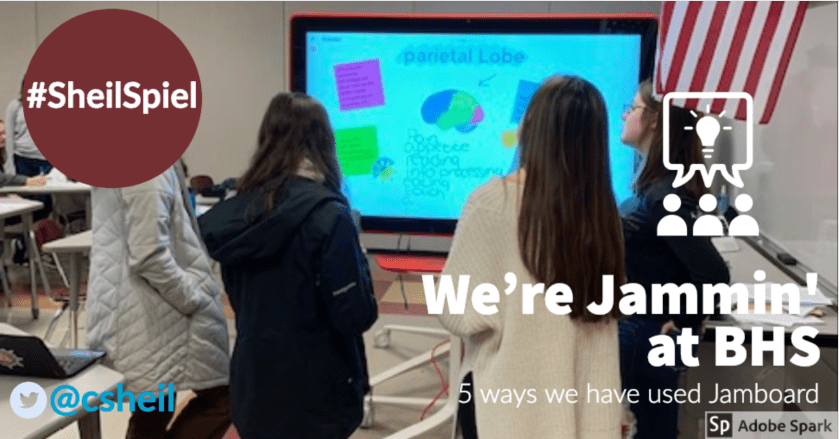
A couple of months ago, I had blogged about how BHS received two Jamboards through a grant from Google and BenQ – you can view that blog post HERE. Since that time, we have had an opportunity to investigate how we could implement Jamboard in the classrooms. This blog post will highlight five different ways, in five different settings, on how we have used Jamboards in the educational setting. This blog post is a bit longer than usual but feel as though it is important to truly capture just how we have been using the new tool. My hope is that it will help inspire you to trying Jamboard with your own students.
Continue reading “We’re Jammin’ at BHS – 5 Ways We Have Used Jamboard”
 Today we will focus on YouTube. Let’s face it. Most of us end up on YouTube at least once a day for whatever reason. Maybe one of these three tips will help make your viewing experience that much better.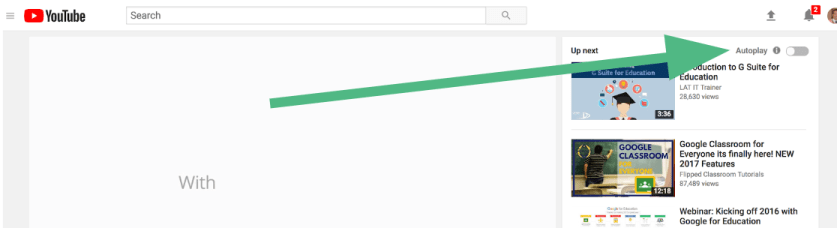

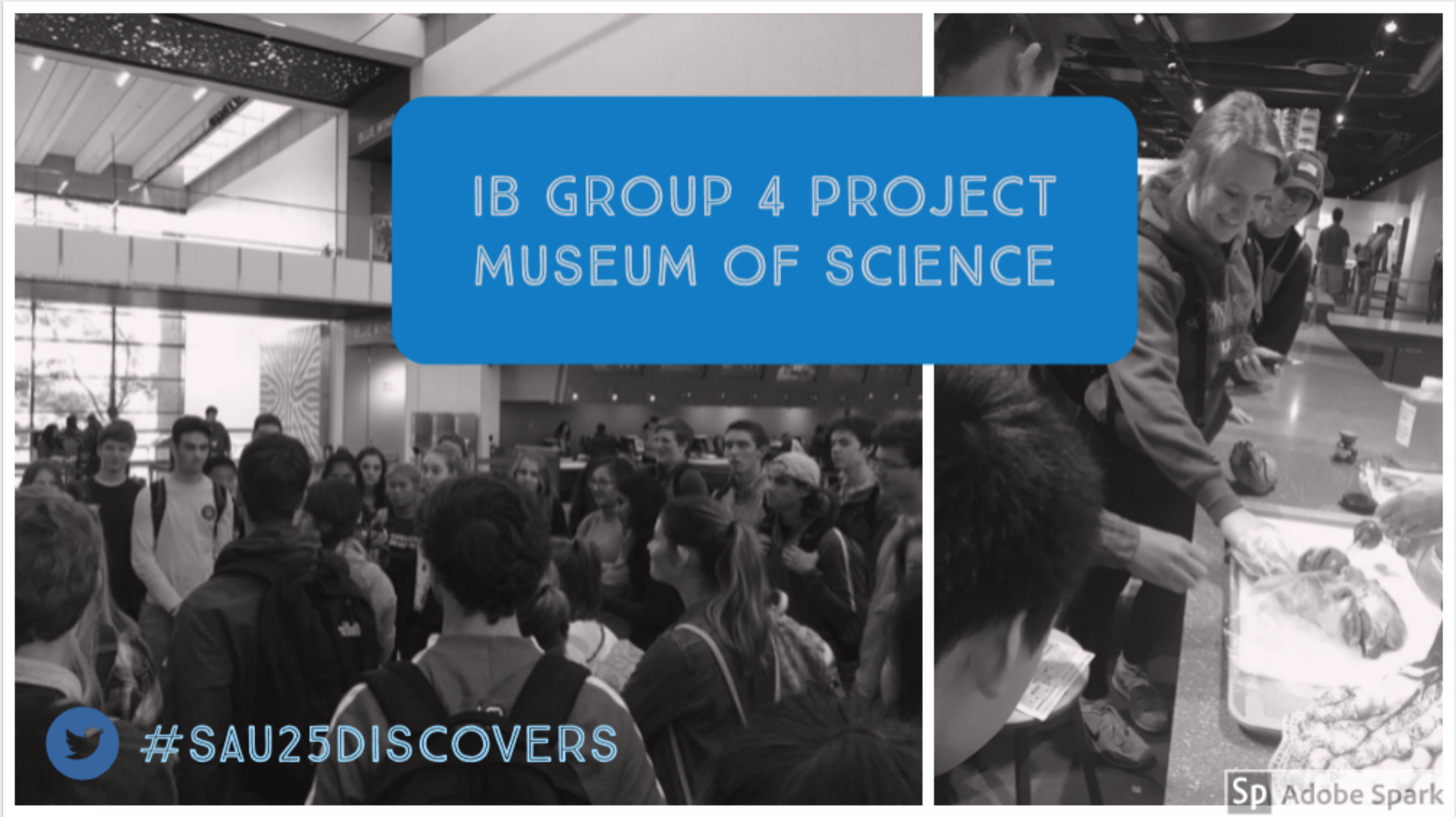 Two weeks ago, I had the pleasure of chaperoning a science field trip to the Boston Museum of Science. What I am most impressed about from this field trip is that students and teachers are not ‘just taking a field trip’. The science teachers have thoughtfully thought through learning objectives and activities for the students to participate in while at the museum. It was great to see true collaboration in action as well as thoughtful integration of technology at the same time. Very proud moment for bulldogs for sure.